Stage 01 — Connect
Morning direction
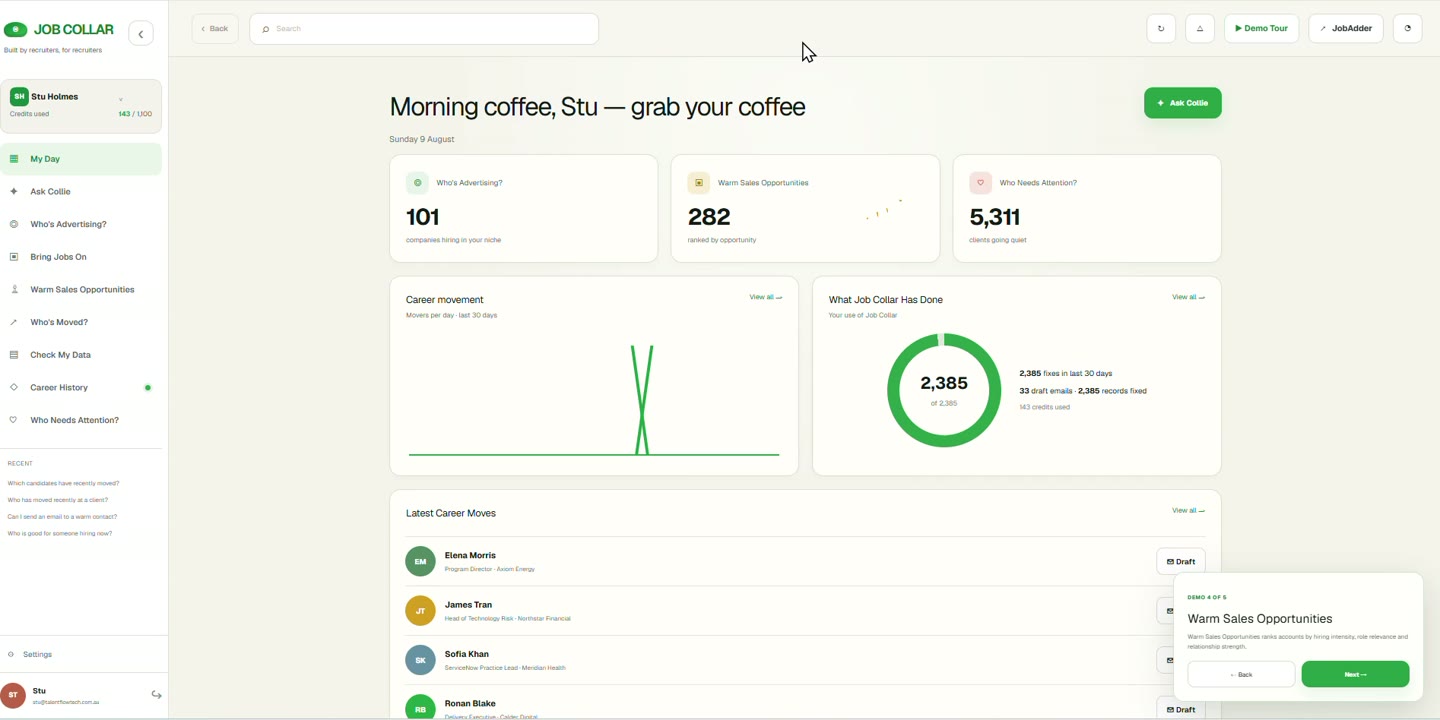
The day opens with what changed and what has already been prepared, rather than a search bar. This is the connected, permissioned dataset made legible before any decision is made.
Job Collar begins with the recruitment data the agency already has, resolves the human behind changing records, adds traceable context and helps the consultant decide why to act now.
The loop does not end when Collie produces an answer. The recruiter chooses the action; relevant activity returns to JobAdder as pathways are enabled, leaving the system of record more useful than it was.
Return feeds Connect. The record the loop reads next time is the record the last conversation improved.
These are operations rather than screens. Each stage has a job, produces something the next stage can rely on, and can be inspected when a recruiter asks why a suggestion appeared.
Job Collar reads permitted data from JobAdder within the user and tenant permission scope agreed with the agency. JobAdder stays the system of record for jobs, applications, placements and compliance; nothing is moved out from under it.
Candidate, Contact, hiring-manager and colleague records are linked to one continuing person where the evidence supports the match. Matching is evidence-led rather than perfect: uncertain links stay visible and correctable instead of being silently merged.
Career, client, hiring and relationship context is added with its source, the date it was observed, a confidence or verification cue and the permissions attached to it. Known fact, observed signal and modelled suggestion are labelled differently, because they carry different weight in a conversation.
Collie considers what changed, what the agency already knows, the consultant's own relationship history, their working configuration and their permitted view. The result is a reason, not a ranking: the same signal can lead to different advice for two consultants because their evidence differs.
Before anything is drafted, the recruiter chooses the intent — Care, Consider or Consult. Drafts, tasks and next steps remain reviewable and require approval. Collie prepares work; it does not run a desk and does not send outreach on its own.
Relevant notes, tasks or updates follow controlled write-back pathways as those pathways are enabled for the workspace, with success, failure and audit state recorded. Exports are designed to stay usable and permission-aware, with exclusions stated honestly rather than hidden.
Return is not the end of a funnel. It restarts the loop with a better record.
Priya has moved from a placed ServiceNow specialist to Head of Platform at a company now advertising. Here is how that single change travels through the loop.
A JobAdder placement record and the interaction history behind it are read within permission scope.
The historic Candidate record and the current client Contact record are linked to the same continuing person: Priya.
The role move and the company's advertised roles are held with their source and observed date, marked as observed signal rather than confirmed fact.
Collie sees a warm placement history, a new position of influence and current hiring activity, and explains why the consultant who placed her is the credible route.
Care first — congratulate and reconnect properly. Consult later, if the hiring conversation is genuinely relevant.
The note and outcome are written back to the record as write-back pathways are enabled for the workspace.
Priya is a fictional example used to illustrate the loop. It is not a promise that every data source or every write-back pathway is enabled in every workspace.
Screens are where the operating model becomes visible to a recruiter. Each area below belongs to a stage rather than standing on its own as a step.
The day opens with what changed and what has already been prepared, rather than a search bar. This is the connected, permissioned dataset made legible before any decision is made.
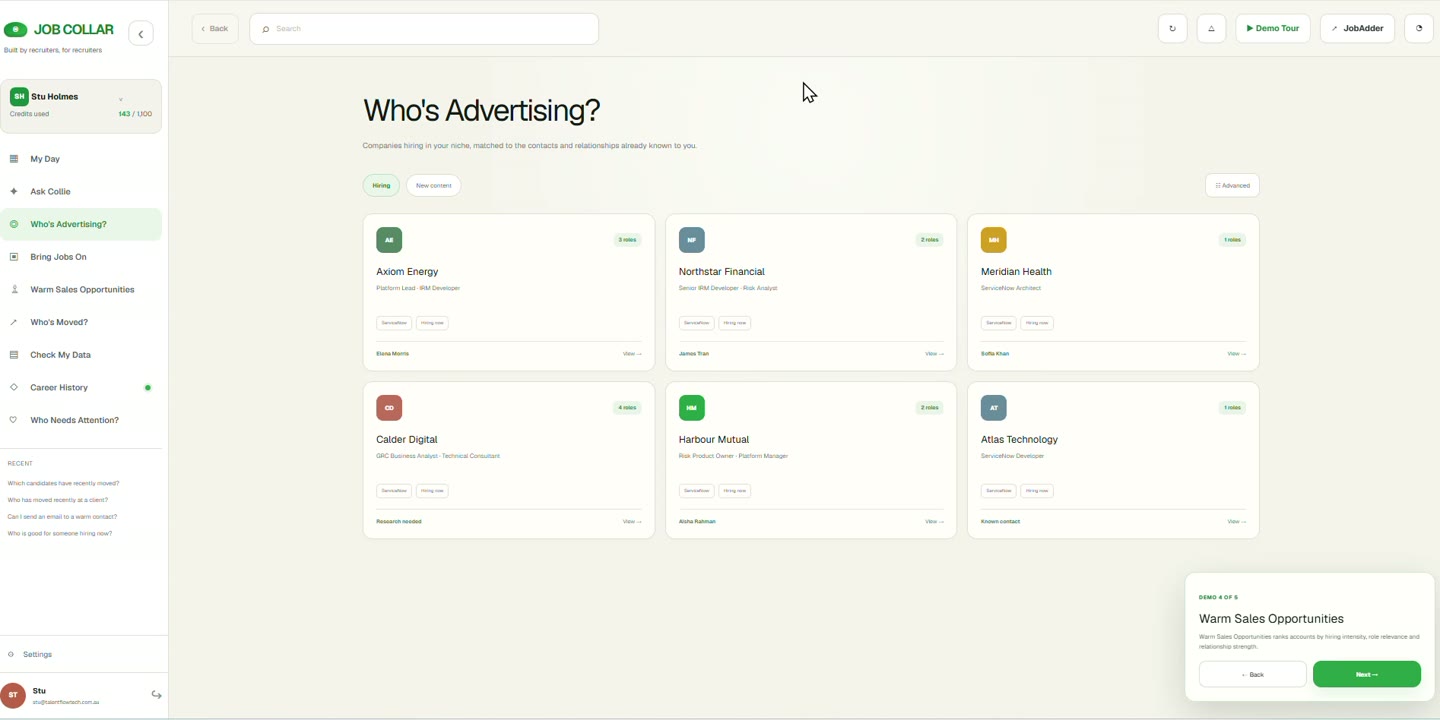
Organisations advertising, and the live roles behind them, shown with the evidence that produced the signal. Each item can be opened to see where it came from and when it was observed.
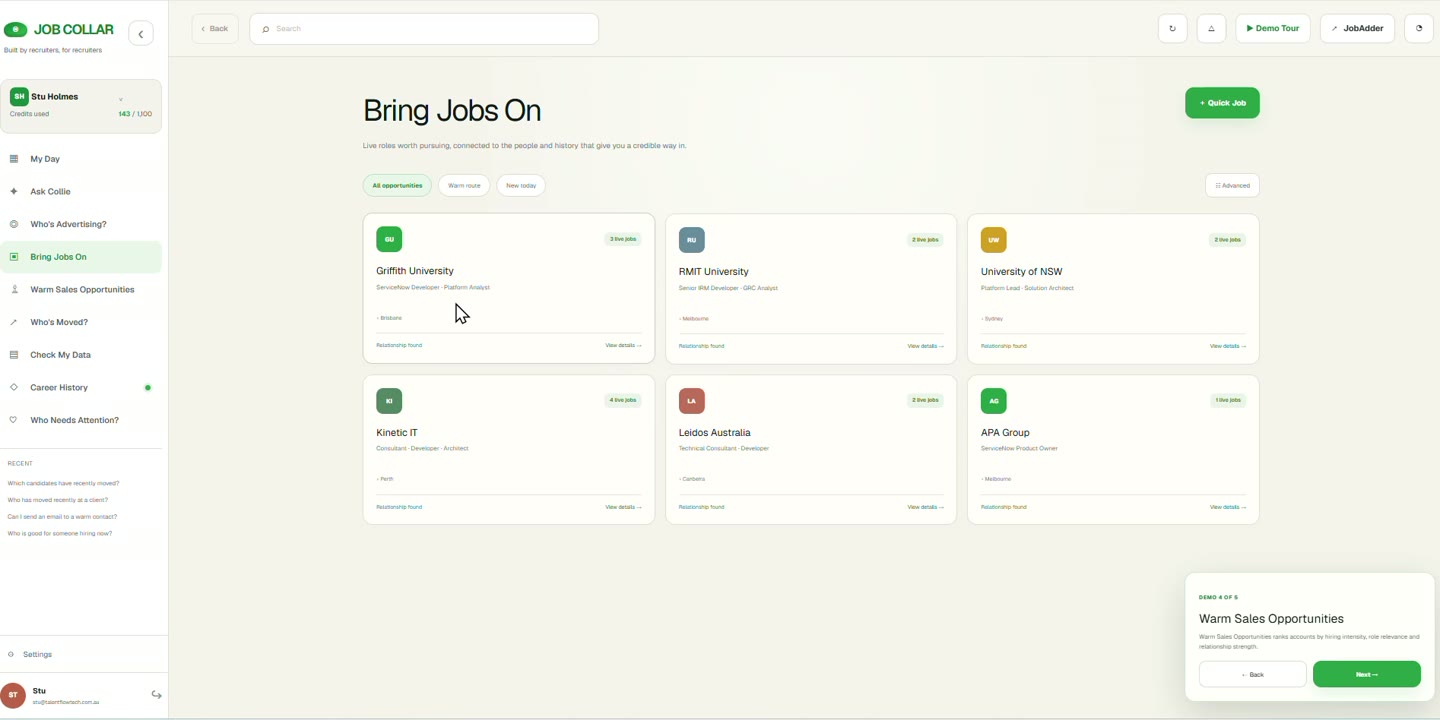
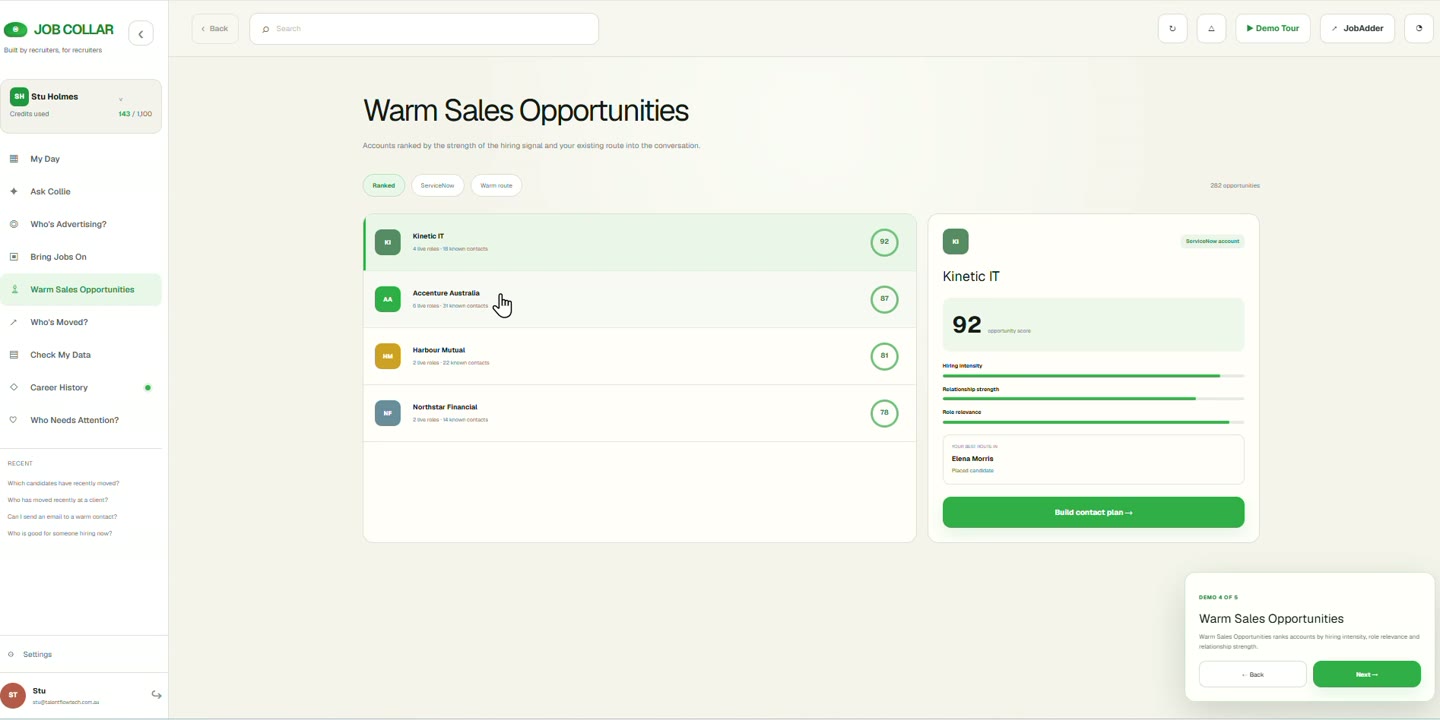
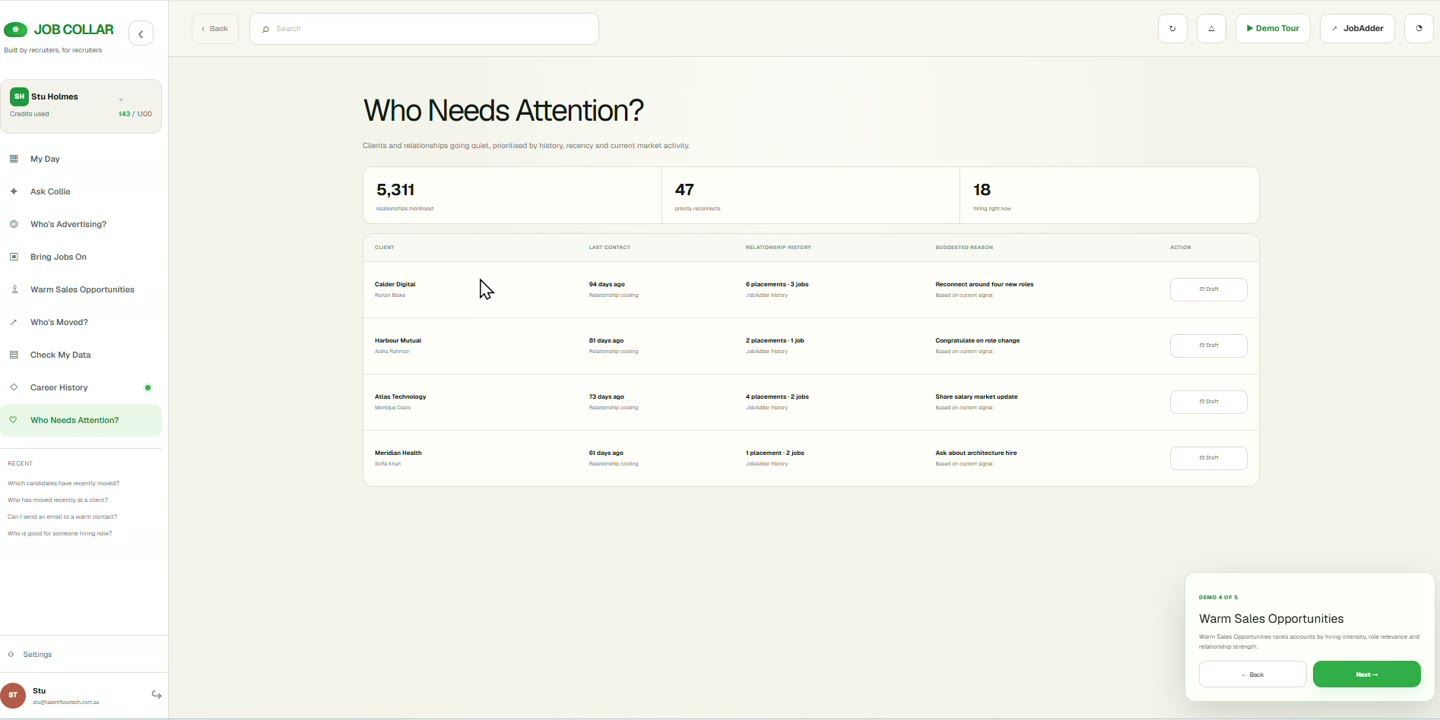
Where a credible human route already exists, and where an existing relationship is quietly cooling. Both are interpretations of relationship history, shown with the reasoning and the last touchpoint alongside.
Questions in plain language, answered from the workspace's own permitted data with the reasoning attached, so the recruiter can approve, adjust or reject before anything reaches a person or the record.
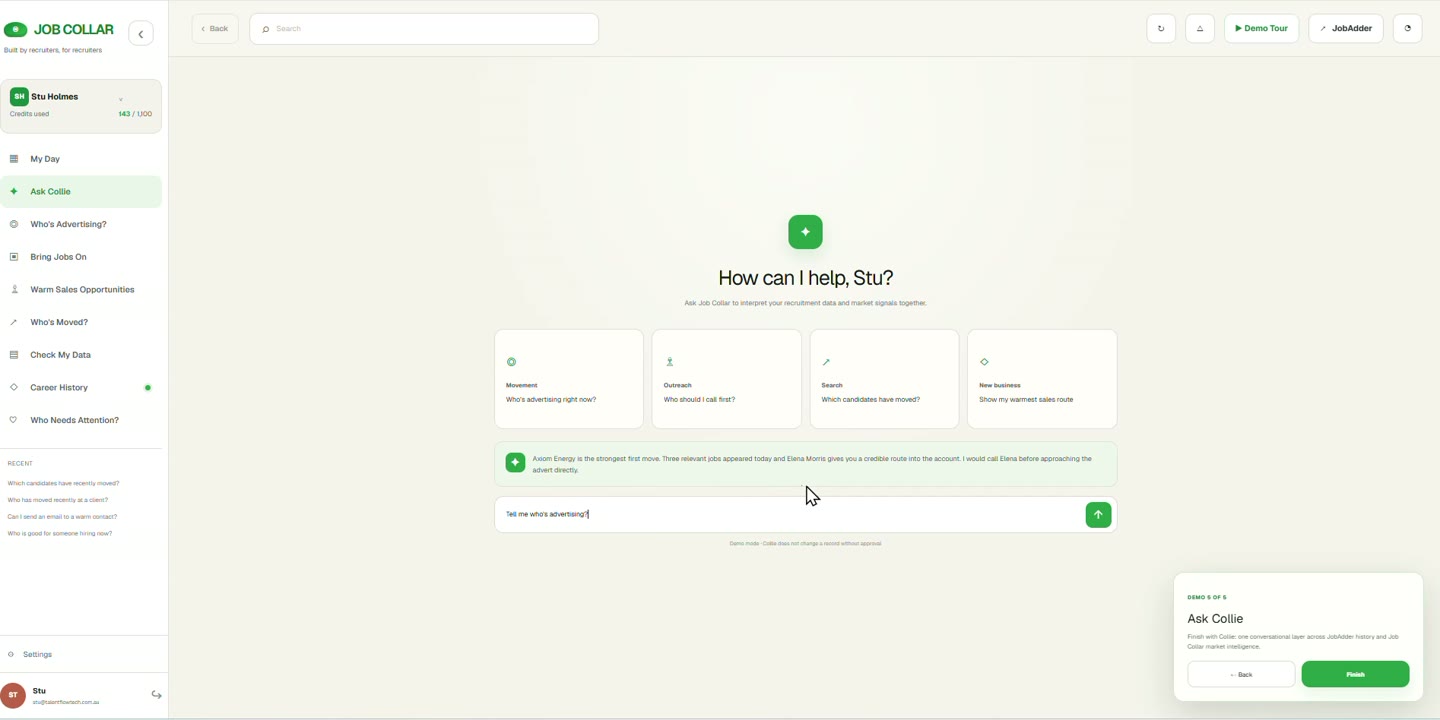
Screens shown with illustrative demo data. Available surfaces and data sources depend on workspace configuration.
Each difference is a design decision that shows up in the product, not a slogan. The proof line says where you can see it working.
Candidate, Contact, hiring manager and colleague are treated as roles around one continuing person record, so depth is not lost each time the label changes.
Proof in the product: Role-continuity timeline and linked history.
Client Contacts keep career context, organisational influence, history and motivations instead of collapsing into company fields and a phone number.
Proof in the product: 360 CV — Contact Verifiables.
The same signal can produce different advice for two people, because relationship history, responsibility, working preferences and permissions differ.
Proof in the product: Explained Collie recommendation with consultant context.
Important facts and signals show where they came from, when they were observed, and what is known as opposed to inferred — before any suggestion is made.
Proof in the product: Evidence strip with confidence and verification cues.
Care, Consider or Consult sets the human purpose before a message is drafted or a task is created, so speed never gets ahead of intent.
Proof in the product: Reviewable reasoning and human approval.
Job Collar is designed to enrich the ATS and to preserve usable, permission-aware exports, so the benefit does not depend on staying captive.
Proof in the product: Write-back state and audit trail today; the broader portability layer is architecture and direction, not a live feature.
The individual ideas are not all exclusive to Job Collar. The operating model that holds them together is the difference.
What is working today, what is configured per workspace, and what is deliberately described as architecture rather than availability.
We will walk the six stages against your own data, permissions and desk priorities.